Temporary Email Services Compared (2026): Hands-On Notes from Our Testing
PureTempMail Team
The engineers who build and run PureTempMail
How We Evaluated Temporary Email Services
Disclosure: this comparison is published by PureTempMail, one of the services reviewed below. We are a vendor writing about our own market, and you should read our assessment of PureTempMail with that in mind. To keep this useful despite the conflict of interest, we describe the exact criteria we tested, report what we observed for every service including our own shortcomings, and avoid declaring an overall winner. Where a competitor does something we cannot, we say so.
The market for free disposable email is crowded. A search for "temp email" returns dozens of services, many of which look identical at first glance and differ significantly under the hood. To produce a useful comparison, the PureTempMail team evaluated eight leading services across six criteria: delivery speed (how quickly an email appears in the inbox after sending), HTML rendering quality (does the email look as intended or does formatting break), attachment support (can you view and download files), inbox persistence (does the session survive a page refresh or browser close), registration requirements (can you use it without creating an account), and ad intrusiveness (does the interface remain usable or does it become hostile with popups and interstitials).
One important note before diving in: all services listed here are legitimate, functional tools. This is not a list of scams or malware distributors. The differences between them are real but often subtle - a service that is excellent for receiving a quick verification code may be poorly suited for reading a formatted welcome email with embedded images. Our goal is to match each service to the scenarios it handles best, rather than declare a single winner across all use cases.
A note on method and recency: we last revisited every service in this comparison on July 17, 2026, re-testing each one hands-on in a fresh browser session and capturing the interface screenshots you see below. One exception - Guerrilla Mail was unreachable from our test location during that refresh, so its assessment reflects our earlier hands-on use.
The DKIM standard that enables email origin verification through cryptographic signatures: RFC 6376 - DomainKeys Identified Mail (IETF)
PureTempMail: Fast Push Delivery, Significant Trade-Offs
PureTempMail generates an inbox on page load with no signup, no captcha, and no extension required. Email delivery uses Server-Sent Events, a persistent HTTP connection that pushes new messages to the browser as they arrive at the SMTP server. In our tests, messages appeared in the inbox within one to three seconds of being sent, which helps with time-sensitive flows like two-factor authentication codes. HTML rendering handled our test emails correctly, including inline styles and embedded images, and attachments downloaded without issues. Multiple domain options are available, which can help on sites that blocklist common disposable email domains.
The limitations are real and should factor into your decision. The service is inbound-only: you cannot send email or reply to anything you receive, which Guerrilla Mail can do. Mailboxes expire after one hour by default unless you manually extend them, a much shorter window than YOPmail's eight days, so a delayed confirmation email can arrive after your inbox is gone. The address is tied to a single browser via localStorage: switching devices or clearing browser data loses the mailbox with no way to recover it, and there is no companion app to fall back on. The service also displays ads, like most free providers in this comparison.
Guerrilla Mail: Best for Sending and Scramble Address
Guerrilla Mail is one of the oldest disposable email services still actively maintained. Its defining differentiator is the ability to send email from your temporary address, not just receive it. This makes it useful in scenarios where you need to conduct a brief two-way conversation without revealing your real address - marketplace negotiations, seller communications, or following up on a classified ad. The "Scramble Address" feature generates a random address on guerrillamail.com or one of its aliases, and you can manually set a preferred username.
The interface has not changed much in years, and the mobile layout uses smaller touch targets than more recent services. Ads are present but not aggressively intrusive. HTML email rendering works for most cases. Guerrilla Mail does not require registration for basic use. Messages are retained for one hour by default. The key decision point: if you need to reply from your disposable address, Guerrilla Mail is the only major free service that enables this without registration.
Mailinator: Best for Developers and QA Testing
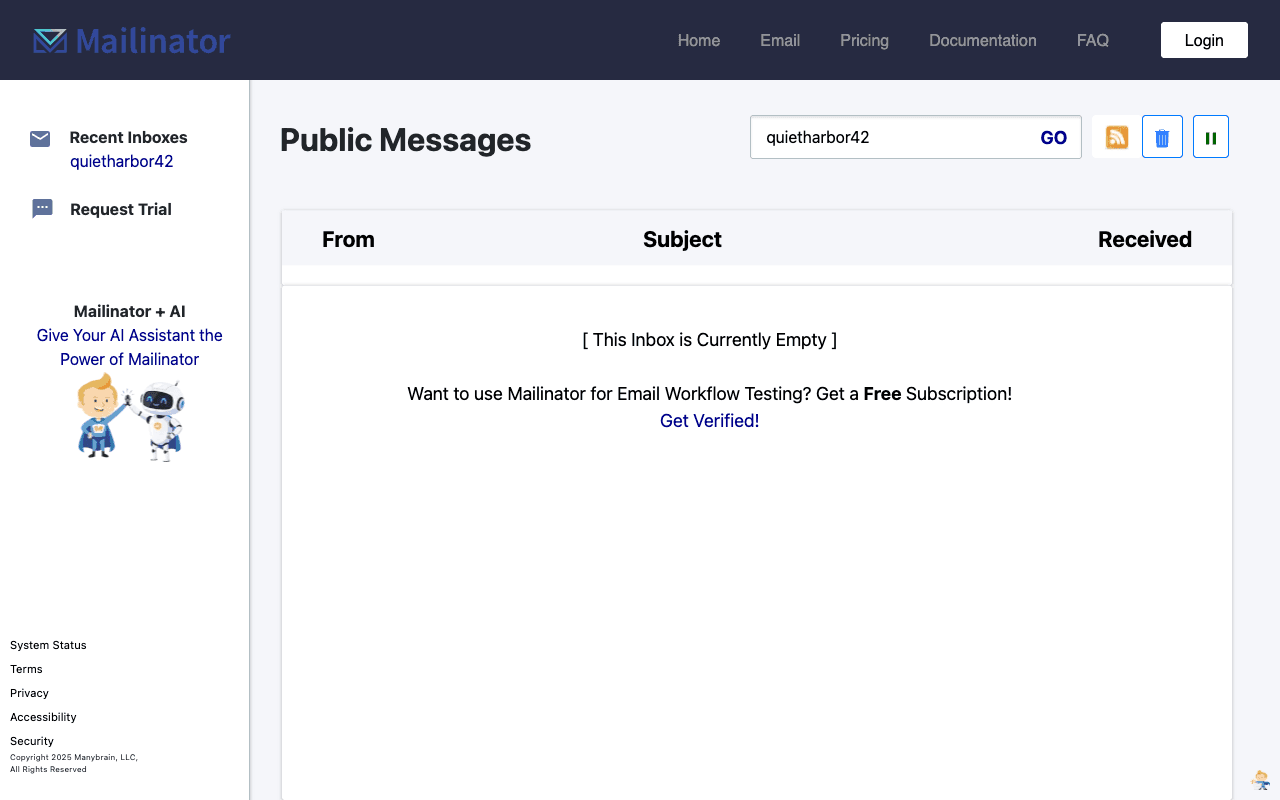
Mailinator operates on a different model. Any email sent to any address at mailinator.com lands in a shared, public inbox that anyone can read simply by typing that address into the Mailinator interface. There is no address generation, no session, and no privacy for the messages. This public inbox model means Mailinator provides no message privacy, which rules it out for personal use, but it is well suited to automated testing pipelines where you need to verify that transactional emails are sent correctly without setting up dedicated test inboxes.
For developers running QA suites, Mailinator's public API (available on paid plans) allows programmatic inbox checking, which integrates cleanly with test frameworks. For individual users concerned about spam prevention or anonymous signup, the public inbox model does not fit: anything sent there is readable by anyone.
TempMail.org, 10MinuteMail, and YOPmail: Middle of the Pack
TempMail.org is a popular service with a clean interface and mobile app. It generates a random address and provides a persistent inbox via its app. Delivery speed is good, typically under ten seconds. HTML rendering handles most email formats correctly. The ad load in the web version is moderate.

10MinuteMail does exactly what its name implies: it provides a ten-minute inbox that self-destructs. You can extend the timer once, giving you up to twenty minutes. It is the most restrictive option on time limits, ideal when you want absolute certainty that the inbox will vanish quickly but inconvenient when an activation email is delayed. YOPmail takes the opposite approach on persistence: inboxes are retained for eight days, making it the longest default retention on this list.

ThrowAwayMail and Maildrop: Worth Knowing, Limited Features
ThrowAwayMail offers a straightforward disposable inbox experience with a clean interface and no registration requirement. The main limitation is the absence of attachment support - files sent to ThrowAwayMail addresses are not delivered. For a purely text-and-link workflow (password resets, verification codes, newsletters), this is rarely a problem.
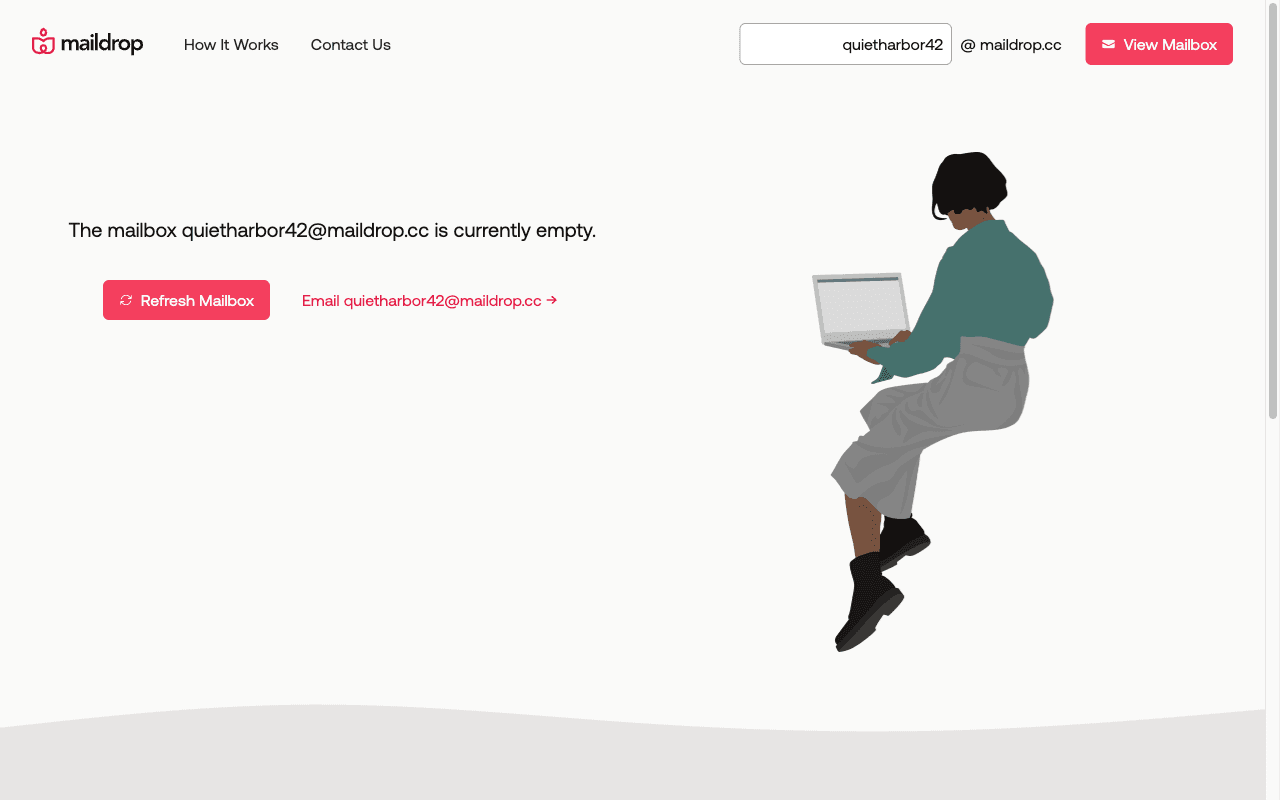
Maildrop is a minimalist disposable email service notable for its aggressive spam filtering. The service is designed to block commercial email that does not pass basic quality filters, which means it will reject aggressively formatted marketing emails - useful if you want to receive only transactional messages. The flip side is that some legitimate service emails may also be filtered out.
There is no single winner in this comparison, and given who wrote it, you should be skeptical if we claimed otherwise. The honest summary is a mapping of tools to tasks. If you need to reply from a disposable address, Guerrilla Mail is the only free option here that supports sending. If you need an inbox that survives for days while you wait on a slow confirmation email, YOPmail's eight-day retention is the longest on the list. If you are wiring up automated QA pipelines, Mailinator's public inbox model and API fit that job better than any consumer service. If you want push delivery within a few seconds and no signup, PureTempMail and TempMail.org are both reasonable picks, with the caveats noted in their sections: PureTempMail is inbound-only with a one-hour default lifetime, while TempMail.org carries a heavier ad load. Whichever you choose, the criteria in the introduction are the ones worth checking against your own use case.
Want to understand the technical architecture that makes real-time email delivery possible? See how PureTempMail works under the hood