Verification Email Not Arriving? Find the Cause and Fix It
A missing code can be refused, delayed, filtered or silently dropped. How to tell which happened, from the people who run a mail server, and what fixes each one.
PureTempMail Team
The engineers who build and run PureTempMail

Short answer
Check the address character by character, then look for a spam filter, an expired mailbox or a site that refuses your domain. Wait about five minutes before you press resend, press it once, and use only the newest code. If nothing arrives after that, the site probably never sent the message or your mail server turned it away, so more waiting will not help.
A verification email can fail at four different points: the site never sends it, the receiving server refuses it, the sender is told to try again later, or the server accepts it and it never reaches the place you are looking. From your side all four look identical, an empty inbox and a timer counting down.
We run PureTempMail's receiving servers, so we can describe what happens on the far side of that empty inbox. Each failure has its own fix, and pressing resend only helps with some of them. For the sign-up itself, see our step-by-step sign-up guide. This article picks up when the code does not come.
Match what you see to the likely cause
Start with the row closest to your situation. The third column explains why the site may give you no hint that anything went wrong.
| What you see | Likely cause | What the sender learns | What to do |
|---|---|---|---|
| The site confirms an address that differs from yours by a character | Typo or a pasted space | A permanent refusal, if the mistyped address is on a server like ours that checks recipients | Correct the address, then request a new code |
| Your temporary mailbox shows Expired | The mailbox ran out before the mail was sent | A permanent refusal: 550 No such mailbox | Open a new address and start again with it |
| The form rejects the address or says it is not allowed | The site refuses known temporary domains | Nothing, because no email was sent | Use a permanent address for this site |
| The form accepted you and nothing has come after a few minutes | A queue at the sender, or a temporary refusal being retried | Try again later | Keep the mailbox alive, then resend once |
| A temporary inbox that has already received a lot of mail stays quiet | The mailbox reached 50 messages or 5 MB | Delivered, even though the message was dropped | Delete messages you no longer need, or use a fresh address |
| An email with a file never comes, while shorter ones do | The message is over our 1 MB limit | A refusal at delivery | Ask for a download link, or use a permanent address |
| Your regular inbox shows nothing new | Spam folder, a filter rule or a blocked sender | Usually delivered | Search every folder and review your rules |
| A password reset page says an email is on its way, and none comes | That address may have no account on the site | Nothing, because no email was sent | Try the other addresses you may have used |
What a mail server does with your code
Our server decides during the delivery conversation, before it accepts the message, by asking whether the recipient mailbox exists. The sender's mail system gets an answer immediately. Mail standards give that answer two main forms, described in RFC 5321: a code starting with 5 means a permanent failure the sender should not repeat, and a code starting with 4 means a temporary one worth trying again.
Refused during delivery
Accepted, then dropped
Mail we accept and store goes straight to your inbox. PureTempMail has no spam folder to check, and we do not use greylisting, the anti-spam trick of deliberately refusing a new sender's first attempt. Other mail servers may use it, which is one reason a code to a regular address can take several minutes.
Work through it in this order
The order matters, because the early checks take seconds and later ones can invalidate a code that was still on its way.
Compare the address character by character
Read the address on the site's confirmation screen against the one you meant to use. Temporary addresses are random strings, so a dropped character is easy to miss. Paste them rather than retyping, and check for a space at the end.
Make sure the mailbox will outlast the wait
On a temporary address, look at the countdown first. On PureTempMail, press +1 hr if time is short, because a mailbox that expires mid-wait starts refusing the message. Once it shows Expired it cannot be extended, as our guide to what happens when a temporary email expires explains.
Read what the form actually said
An error such as "invalid email" or "email not allowed" means the site stopped you before sending anything, so no amount of waiting will produce a code. Our article on why websites block disposable email explains how those checks work.
On a regular address, search every folder
Search for the site's name across all your mail, including spam and trash. The next section lists the places a code tends to hide.
Wait about five minutes before resending
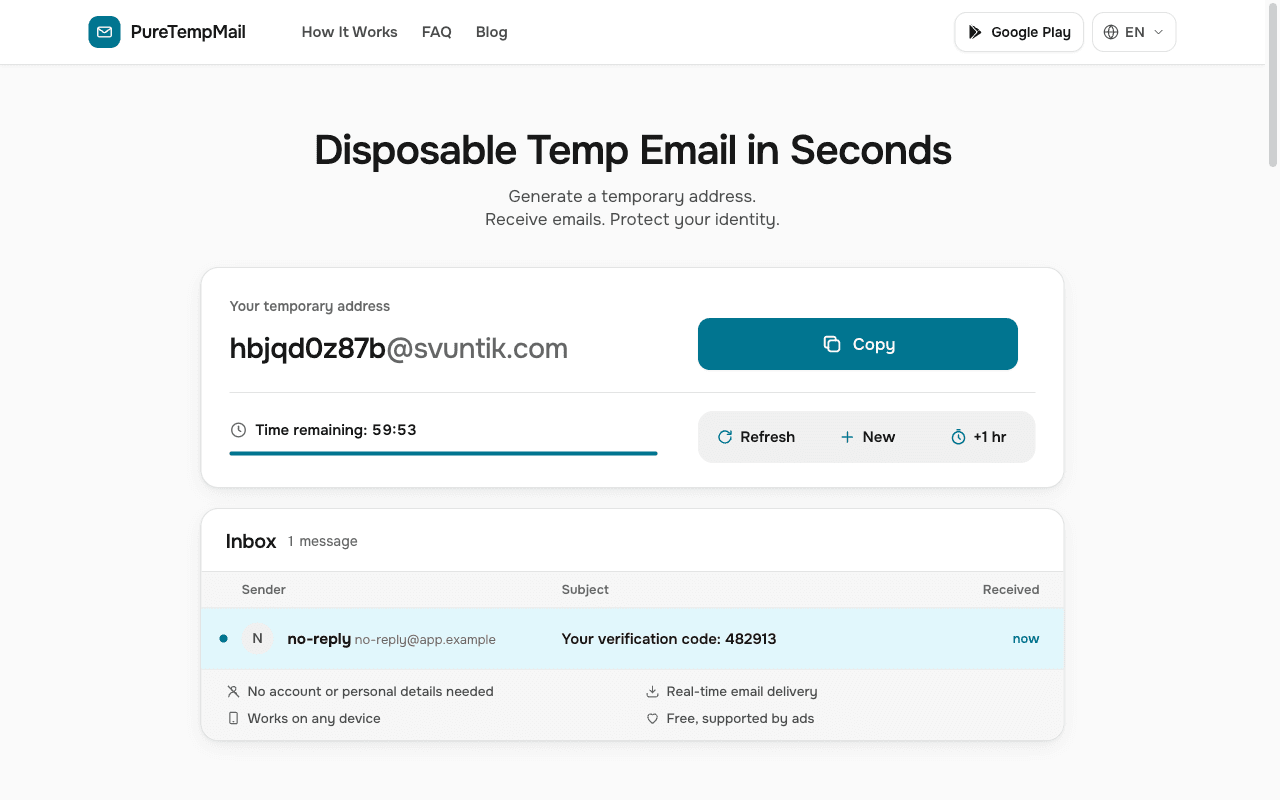
Senders often queue outgoing mail, and a resend during that time adds another message to the same queue. On PureTempMail new mail appears by itself, so you can leave the page open without refreshing.
Resend once, and use only the newest code
Many sites cancel the previous code when they issue a new one. If two emails arrive, use the one with the latest time. An older code that fails is often working as designed, and repeated requests can trigger the site's own rate limit.
If it still fails, change the address
A fresh temporary address rules out a full mailbox, as does deleting old messages to make room. A permanent address tells you whether the site is the problem: if a code reaches your regular inbox straight away, the site or its mail provider is treating the first address differently.
Where codes hide in a regular inbox
These apply to Gmail, Outlook, Yahoo and work accounts alike, although the menu names differ.
- The spam or junk folder. A message from a new sender is an easy false positive. Marking it as safe helps future mail. In Gmail, a sender you have blocked keeps going to Spam even after you move their earlier messages out.
- Tabs and side folders. Promotions, Updates, Other and Clutter-style views can file a code away from the main list. Searching the site's name finds it faster than opening each one.
- Your own rules. Gmail filters can archive, delete or forward mail automatically, and a rule written years ago can still catch a new message. Other providers have similar rules, as do forwarding settings.
- A full mailbox. Many providers stop accepting mail once your storage quota is used up, so check it if other mail has also gone quiet.
- Work and school accounts. A company gateway can hold a message in quarantine before it reaches you. Only your administrator can release it, so ask them with the sender's name and the time you made the request.
Cases where no email exists at all
Sometimes the honest answer is that nothing was ever sent. Three situations produce that result with no error on screen.
- Password resets for an address with no account. OWASP's security guidance tells sites to return the same message whether or not an account exists, so that strangers cannot test which addresses are registered. The page can say an email is on its way when none is coming. Try any other address you may have signed up with.
- The site's own rate limit. After several requests a site may quietly stop sending for a while. Wait for the period it states, or give it a good while if it states none, then try once.
- A problem at the site. Its mail provider can be down or its account suspended. Try again later, or check the site's status page or support channel if it has one.
When to stop trying with a temporary address
A temporary inbox suits a quick sign-up you may never return to. Switch to a permanent address in these cases.
- The site refuses the domain. Repeated attempts with temporary addresses will likely meet the same check.
- The account holds money, purchases, work or anything you would miss. Recovery depends on that address later, so see how to move an account from a temporary email if you already created one.
- The email carries a large attachment, such as a statement or a ticket, that would go over our 1 MB limit.
- You have tried twice and need the site's support team. They will ask you to prove the address is yours, which is hard once the mailbox has gone.
Bottom line
Fix the address first, keep the mailbox alive, then give the message five minutes before a single resend. If nothing arrives after that, treat it as a refusal or an email that was never sent, and try a different address instead of pressing resend again. When you are ready to try once more, a new PureTempMail address takes seconds, and the FAQ covers the limits.
Sources
- RFC 5321, Simple Mail Transfer Protocol: reply code meanings and retry timing.
- OWASP Forgot Password Cheat Sheet: consistent responses for existent and non-existent accounts.
- Google, Report spam in Gmail.
- Google, Create rules to filter your emails.
- The recipient check, refusal messages, size and mailbox limits and the behaviour of a full mailbox come from PureTempMail's own server configuration and code.